자바개발환경설치(JDK12, Eclipse IDE)
1. JavaSe 개발환경 구축(JDK 설치)
* Java 개발환경(플랫폼) -> JavaSe, JavaEE, JavaME, java Android 개발 환경
자바를 설치한다는 것은 자바 JDK를 설치한다는 의미. JDK는 개발하는데 필요한 라이브러리와 플랫폼이 포함되어 있음
=> 자바 프로그램을 실행하기 위해서는 자바 실행환경 JRE(Java Runtime Environment)만 있으면 되지만, 프로그램을 개발하기 위해서는 반드시 JDK가 필요함
* 자바는 오라클에서 다운받을 수 있음
https://www.oracle.com/technetwork/java/javase/downloads/index.html
Download the Latest Java LTS Free
Subscribe to Java SE and get the most comprehensive Java support available, with 24/7 global access to the experts.
www.oracle.com
2. Eclipse IDE 다운로드
자바 프로그래밍을 하는데 필요한 통합 개발 환경(IDE : Integrated Development Environment)인 이클립스 설치
* 이클립스 사이트 주소
https://www.eclipse.org/downloads/packages/
Eclipse Packages | The Eclipse Foundation - home to a global community, the Eclipse IDE, Jakarta EE and over 350 open source pro
516 MB 380,416 DOWNLOADS Tools for developers working with Java and Web applications, including a Java IDE, tools for JavaScript, TypeScript, JavaServer Pages and Faces, Yaml, Markdown, Web Services, JPA and Data Tools, Maven and Gradle, Git, and more. Cli
www.eclipse.org
3. Java, Eclipse IDE 설치하기
* C:\Program Files\Java에서 경로 이동 이유
자바 개발환경 구축 후 회사나 다른 협업과정에서 새롭게 구축하지 않고 USB에 환경이 구축된 파일을 이동하면서 사용
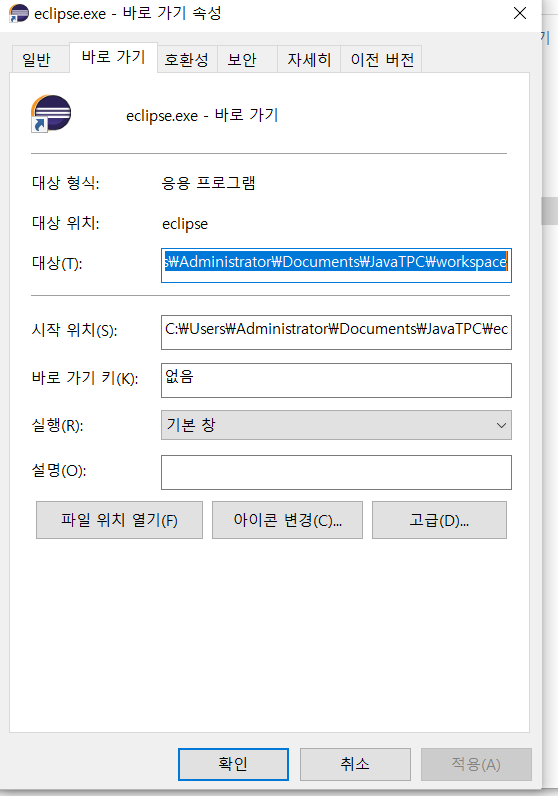
4. Eclipse IDE 실행환경 구성
* 참고강의